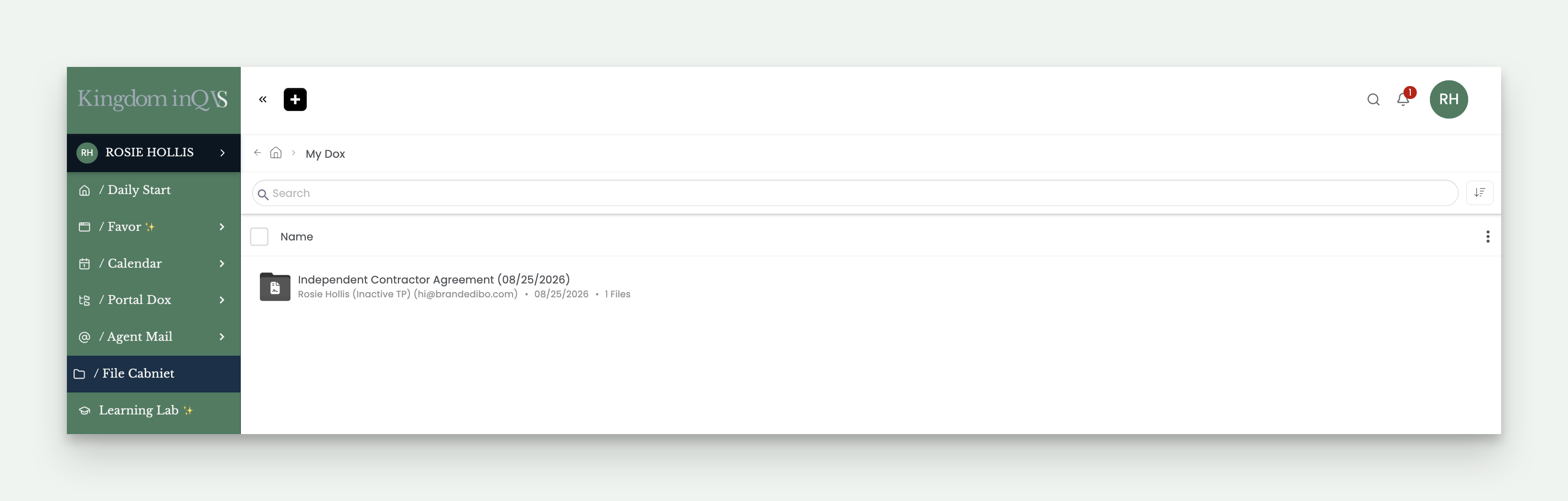
This is where your paperwork lives, everything you've signed and everything tied to your pay. Portal Dox and File Cabinet work the same on desktop and mobile, so this section covers both at once.
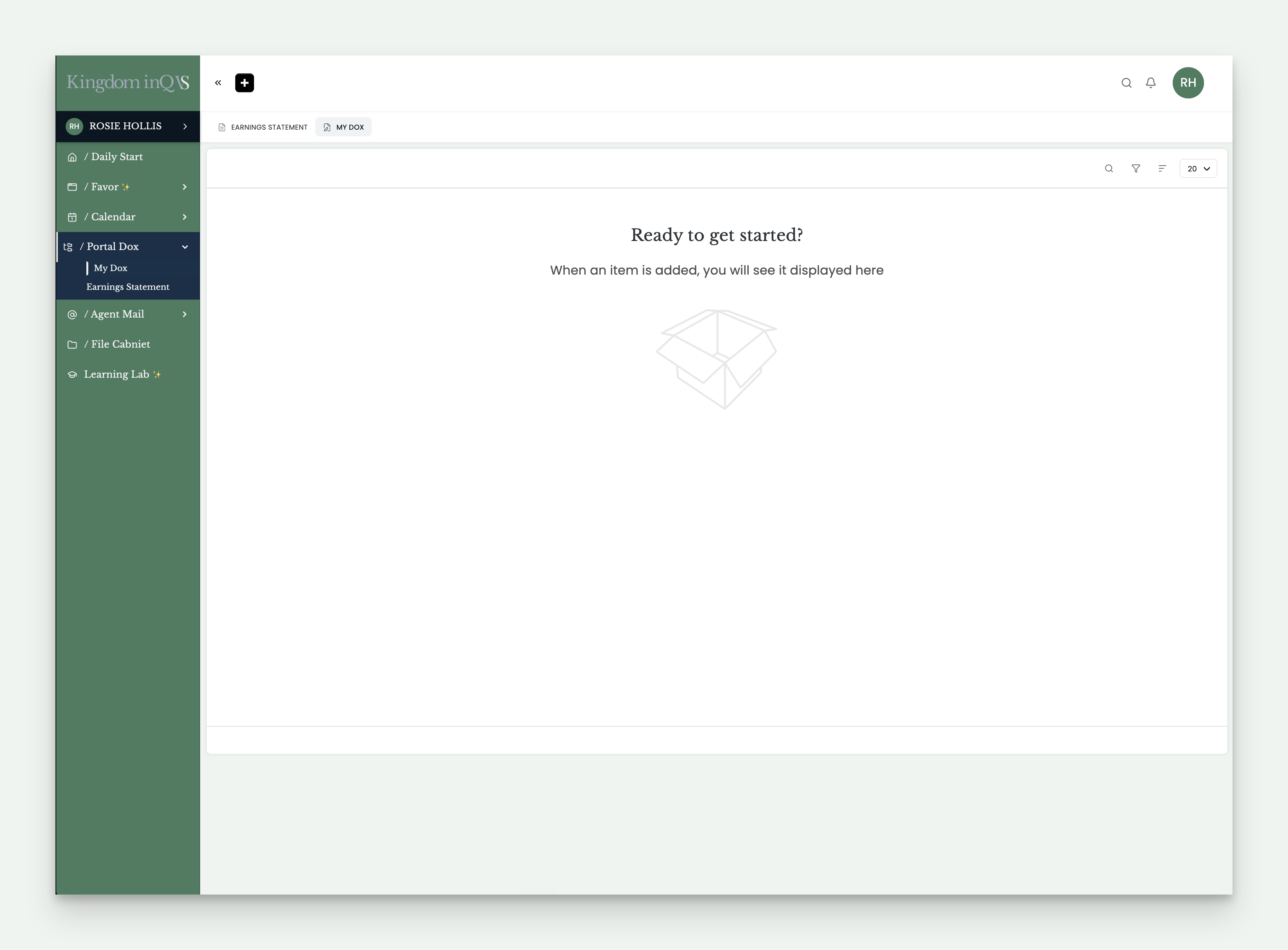
Click into Portal Dox from your navigation menu and you'll find two links, My Dox and Earning Statement.
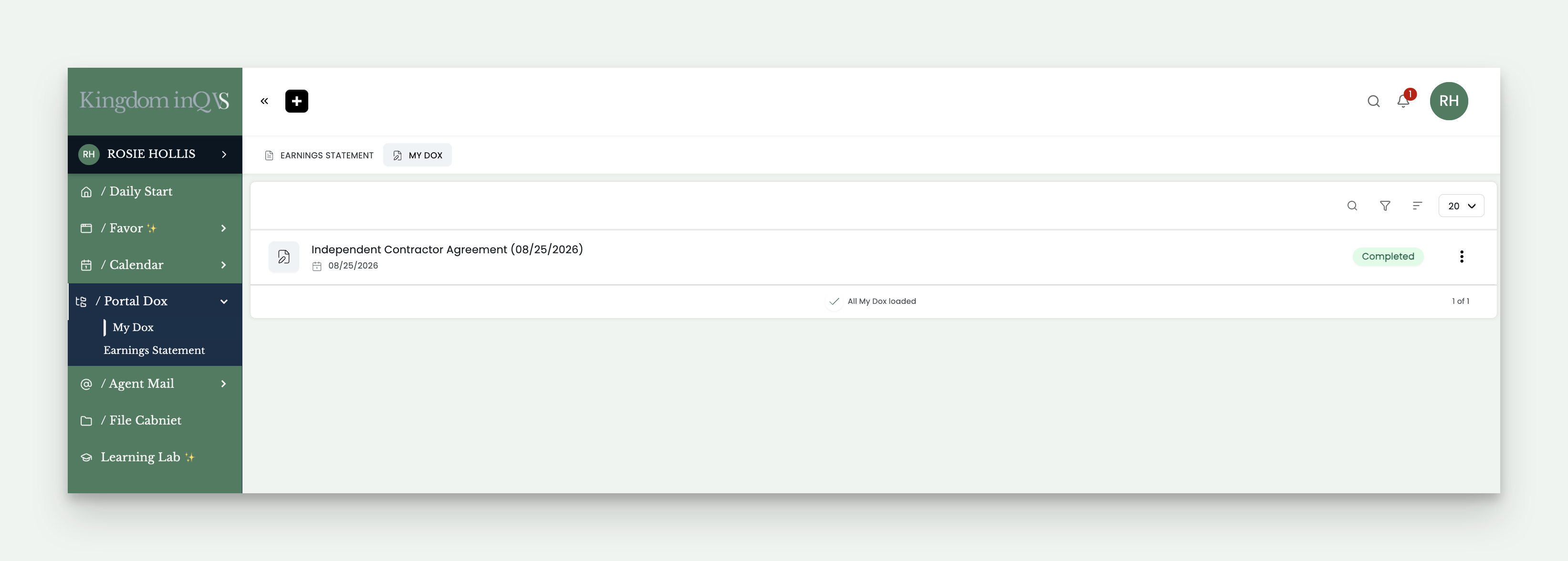
This holds every document you've signed with us, your onboarding contracts, including your NDA and independent contractor agreement, along with every SOW you've signed for each client.
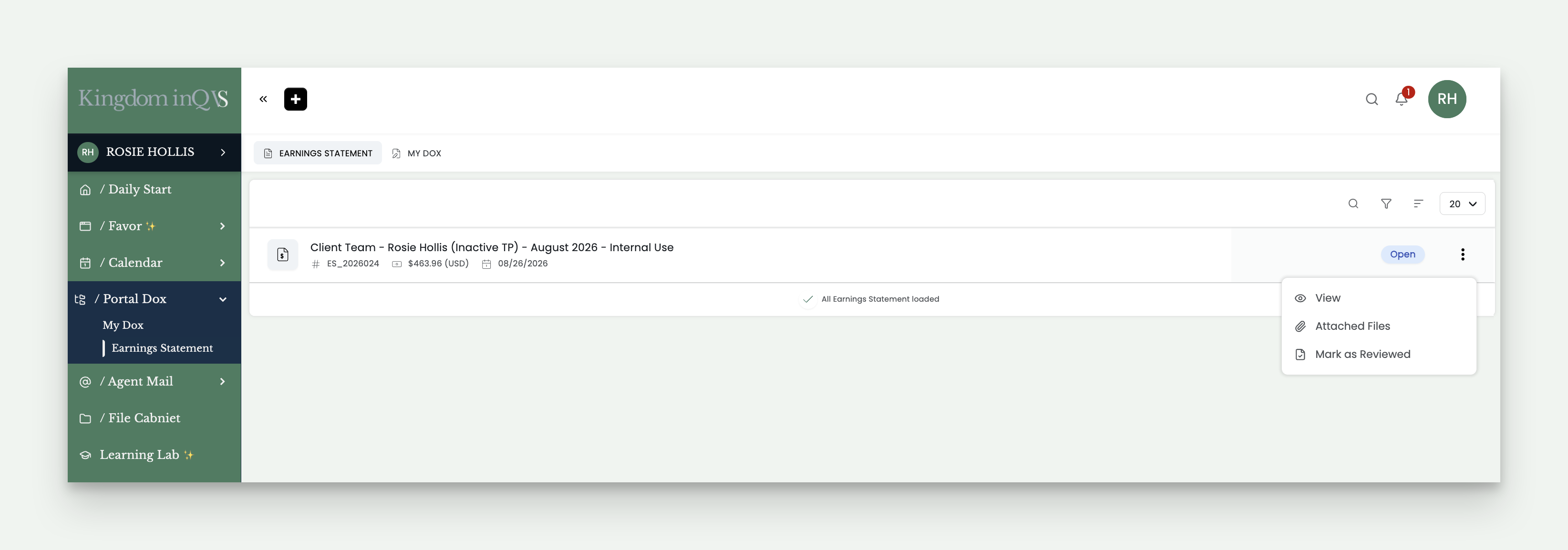
This holds your earning statement for every service period, ready for you to review, download, and keep for your records.
Next to each statement, you'll see a three-dot menu with a few options. View opens the statement. If any files are attached, you can view those too. Mark as Reviewed simply confirms you've seen it, your status will update to Approved to reflect that confirmation, nothing more happens when you select it, it's there for your own record-keeping, not something you need to act on.
Click into File Cabinet and you'll land on a page with two areas, Shared with Me and My Dox.
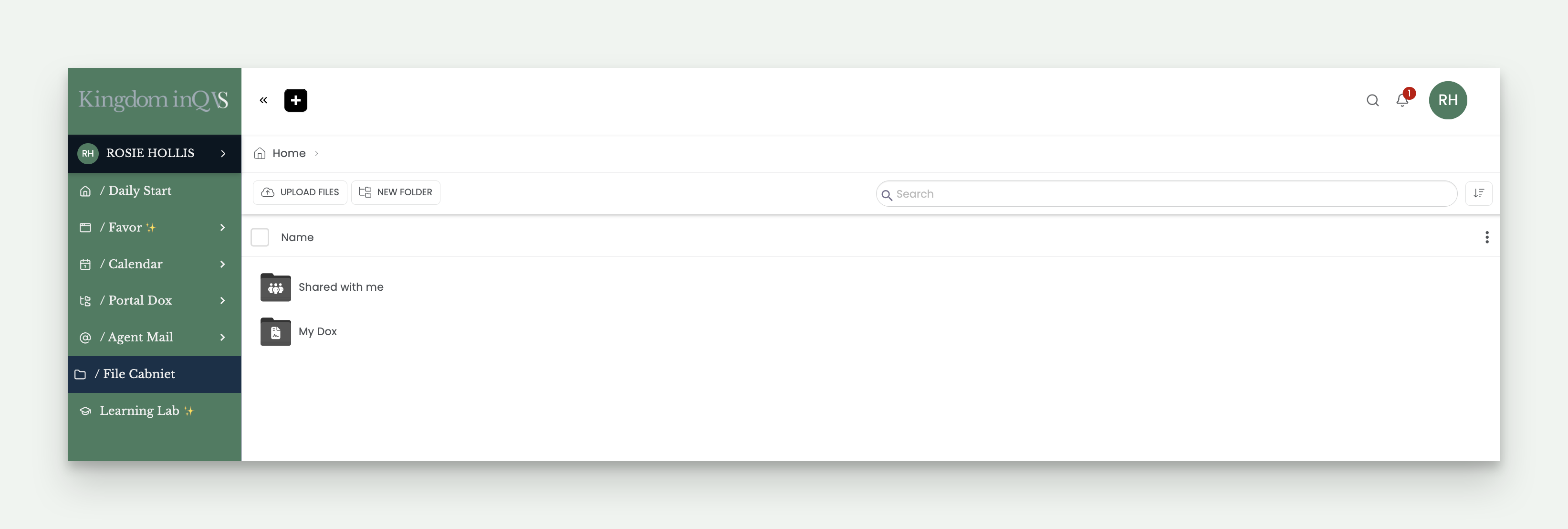
This is where you'll find your Partner - Financial Dox folder, assigned to you automatically when you onboard. It holds your signed W9, your direct deposit form, and your 1099 once tax season arrives. You'll also receive your 1099 by email and by mail, this folder is simply a backup, so it's always here if you need it and can't find the original.
This folder holds a second copy of your signed onboarding and SOW documents, the same ones you'll find in My Dox under Portal Dox. If you're ever looking for a document, you'll find it in either place.