Favor also holds Partner Tools, sitting alongside Kingdom Culture rather than nested inside it. This is where you'll find two tools built to answer the questions you'd otherwise have to ask directly, client pay details and where your referrals stand.
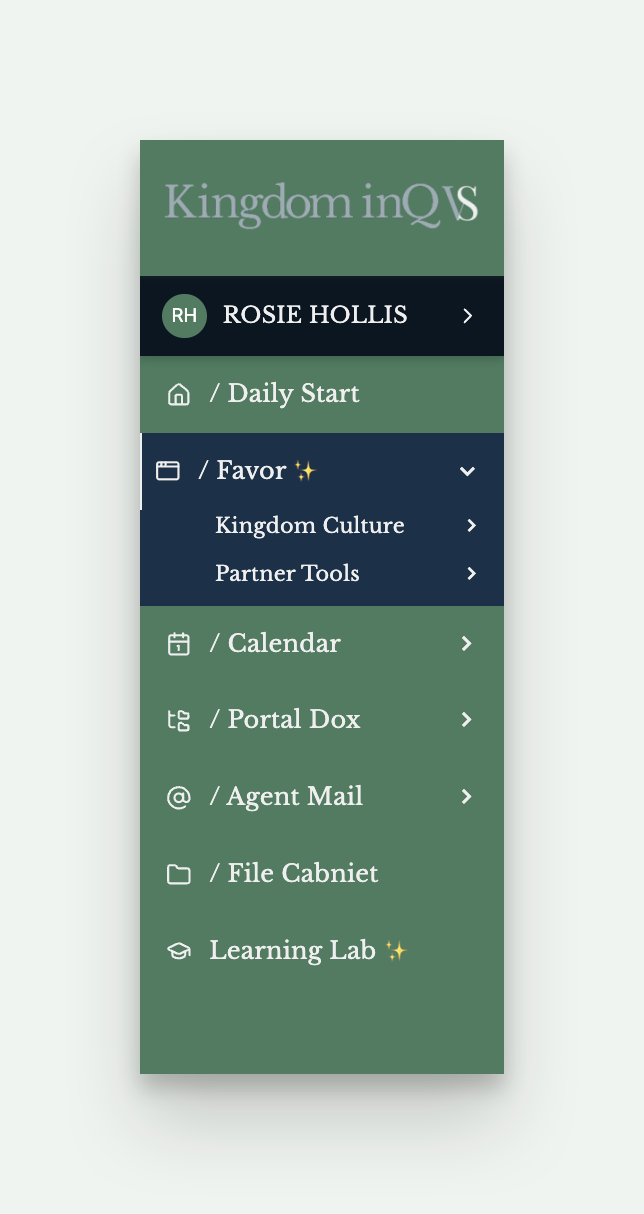
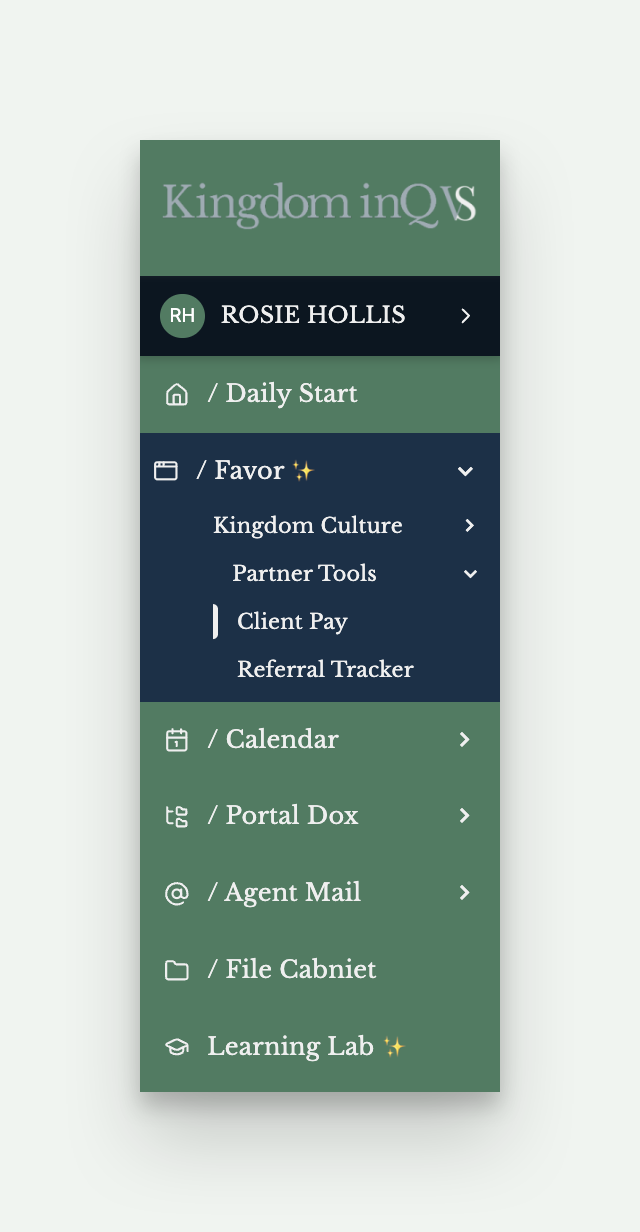
You won't find pay details in Arise's program announcements, they'll walk you through schedule, certification requirements, system requirements, but leave you to track down your Service Partner IBO for what a client actually pays. We'd rather you not have to ask. Client Pay puts those numbers right in your portal, so you always have them on hand.
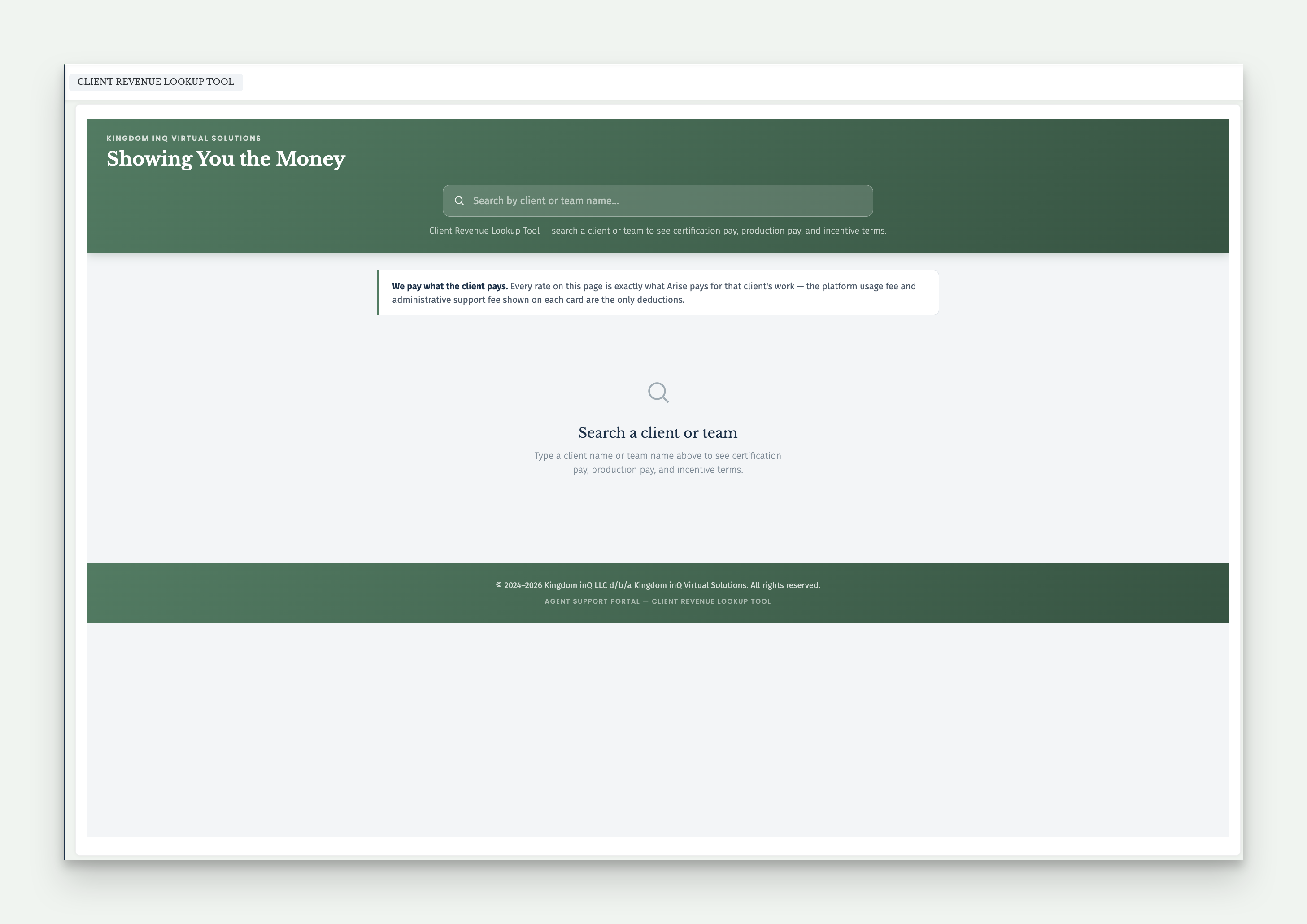
Click into Client Pay and you'll land on a search bar, no list shown by default, so you'll search for the client or team you're looking for rather than browse everything at once. Type a client or team name and matching results appear. If a client has more than one team under it, all matching teams show up together.
Each match appears as a card showing just the client and team name. Click the card to flip it, and you'll see the full breakdown on the back, Certification SOW Service Revenue, Production Service Revenue, Platform Usage Fee, any Incentives tied to that team, and the Administrative Fee, each with a short note on what it covers.
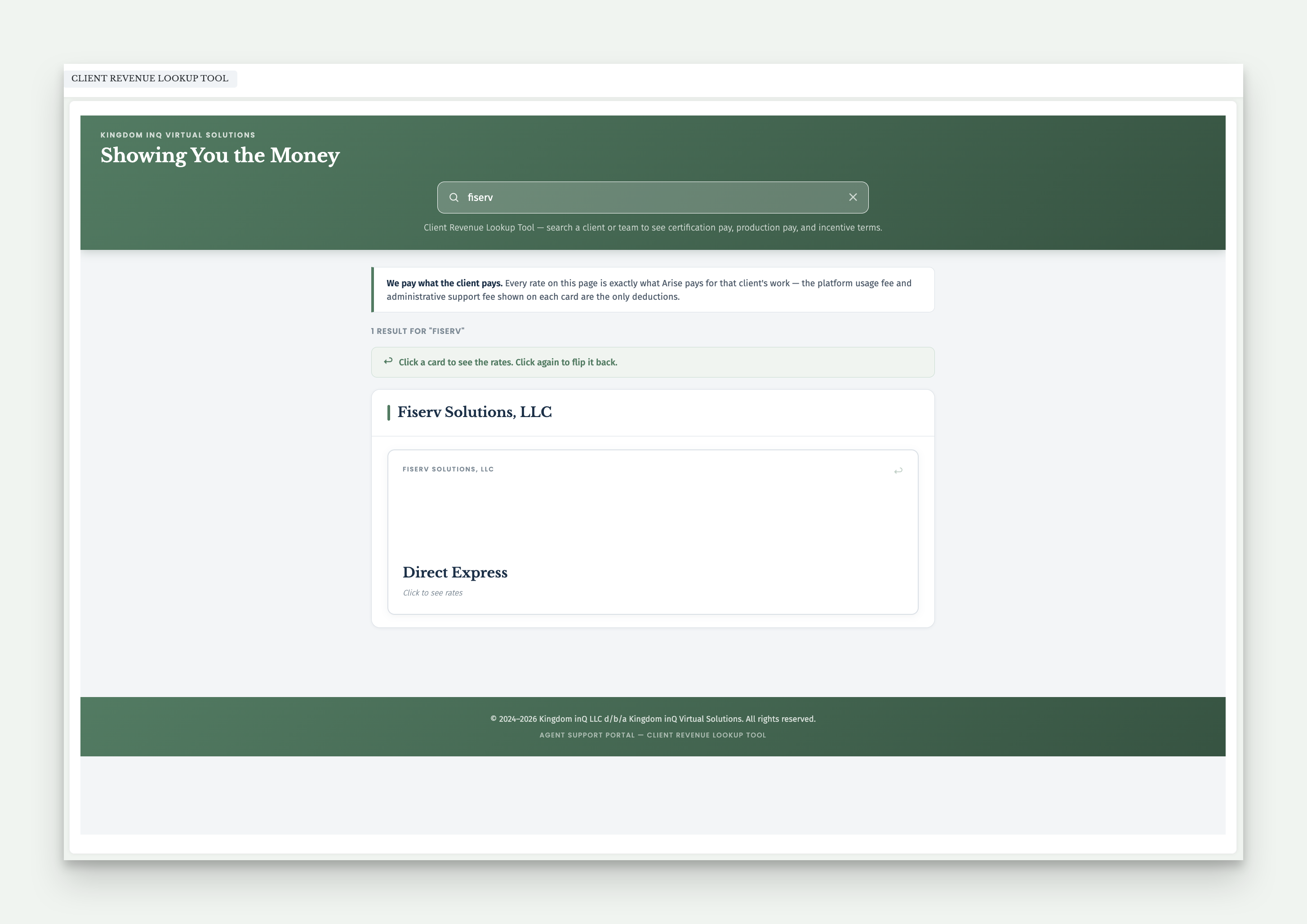
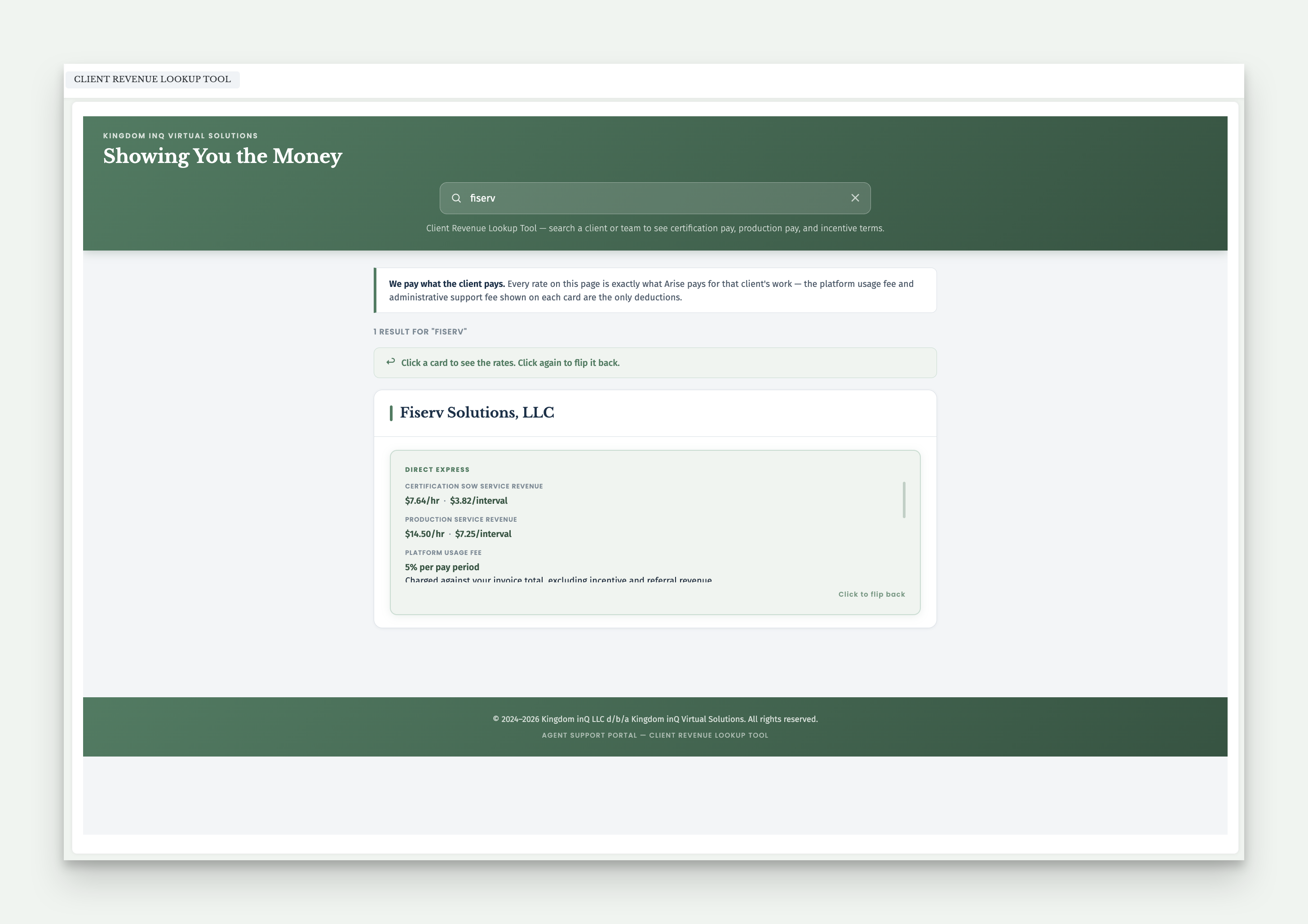
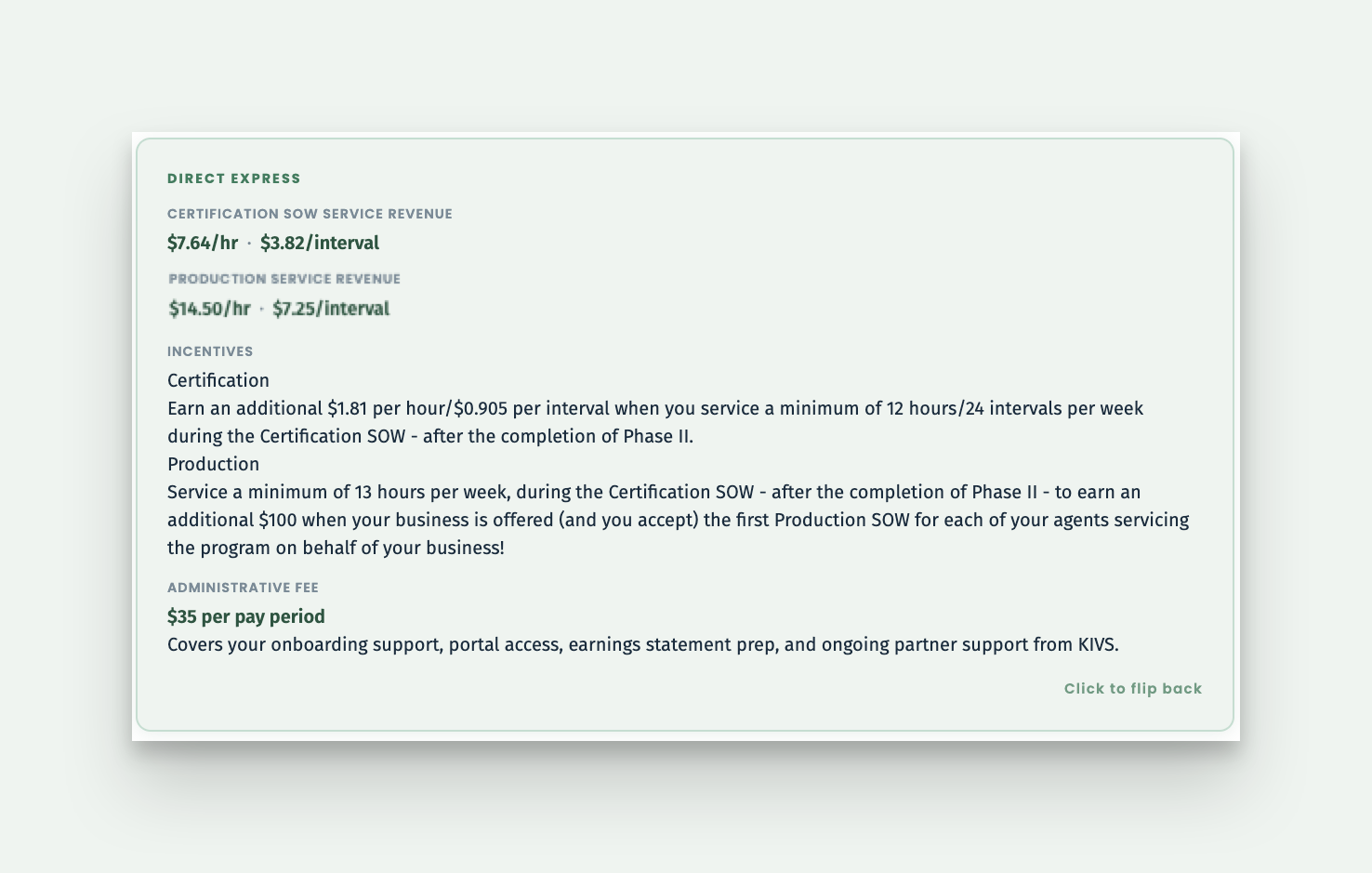
You'll see a note at the top of the page every time you open Client Pay, we pay what the client pays. The platform usage fee and administrative fee shown on each card are the only deductions.
A couple things worth knowing as you search. Client Pay is a living database, updated as new clients and teams appear on the Arise platform, so it grows over time rather than being a fixed list. Search for the clients you see on your own Arise dashboard, since visibility varies partner to partner, but know that every client we service lives in this database regardless. If a search comes up empty, it likely just means that client hasn't been added yet, worth reaching out so we can get it in there.
Referral Tracker shows you exactly where a referral stands instead of leaving you to wonder if it "worked." Every referral moves through five stages, Pre-Qualified, Onboarded, Certification/Servicing, 60-Hour Threshold Met, and Payout Complete.
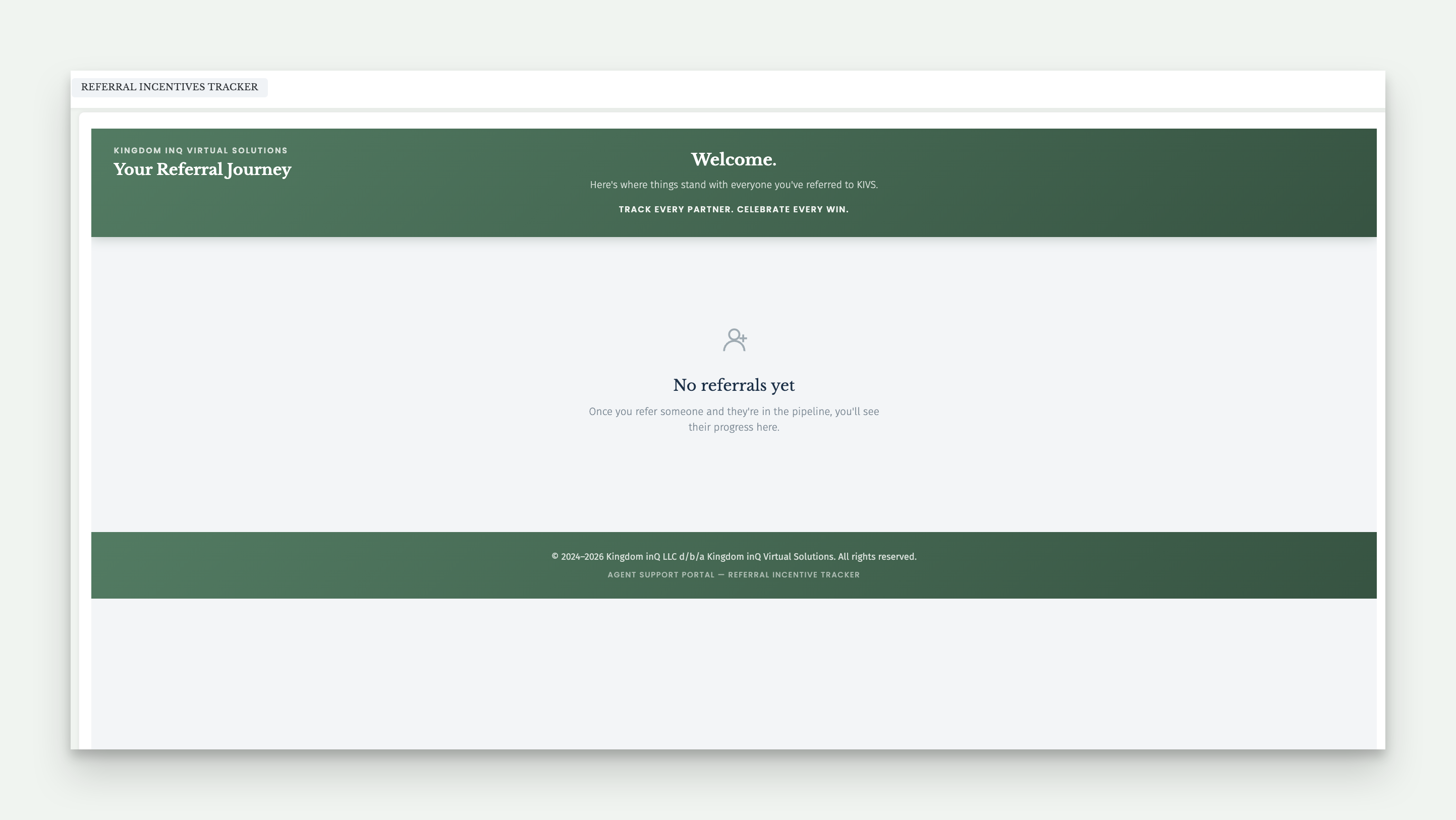
The first time you open it, before you've referred anyone, you'll see a simple message letting you know there's nothing to show yet. Once you refer someone and they enter the pipeline, their progress appears here, tracked against your own CSP ID, not a shared list.
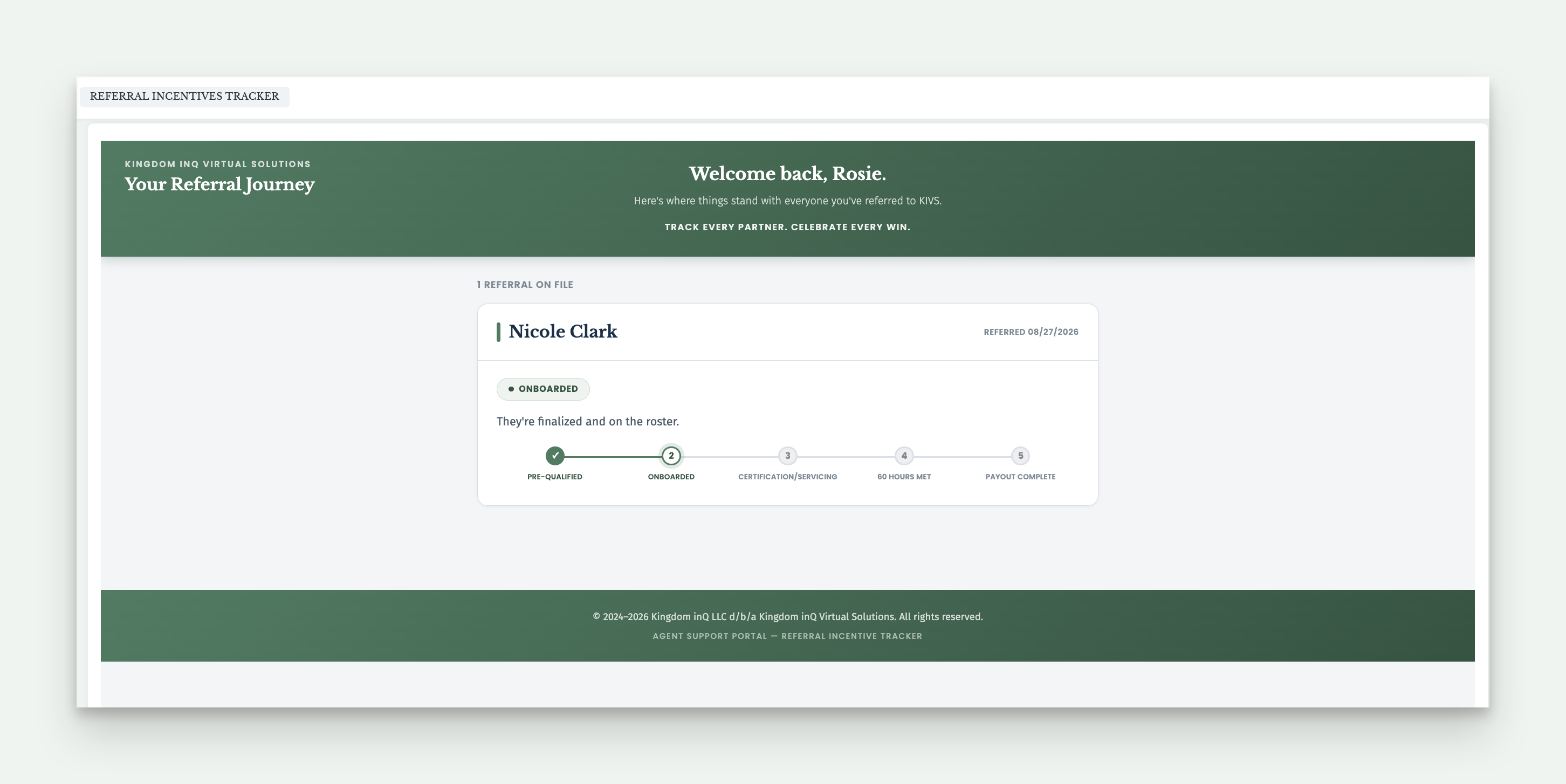
Each referral shows their name, the date they were referred, and which stage they're currently in, so you can see real movement as it happens rather than waiting to hear about it another way.
Not every referral moves straight through all five stages. If one shows as Paused, that's a temporary hold, we'll update you once things are back in motion. If one shows as Closed, it means that referral didn't move forward, you're welcome to reach out to the person you referred directly if you'd like more detail, but every referral you submit is a fresh opportunity, so one closing doesn't slow down the next.
For how referrals actually work, how to refer someone, what has to happen before it pays out, and where the incentive lands on your earnings statement, that's covered in Share the Opportunity, Earn a Referral Incentive over in Learning Lab.